
For you if
You do consequential arithmetic while writing — a budget, a quote, a renovation, a loan — and you would rather see the working than trust one number.

A Mac writing pad that does the arithmetic. Write the sum the way you would say it, and the answer lands beside the line — exactly, or not at all.
FreemacOS 15 or later
Made by Mete Kaplan · direct support, usually replies in 2–3 business days
You do consequential arithmetic while writing — a budget, a quote, a renovation, a loan — and you would rather see the working than trust one number.
You want a programmable calculator, a spreadsheet, or a computer-algebra system — Magic Notes is a notebook that answers, and deliberately stops there.
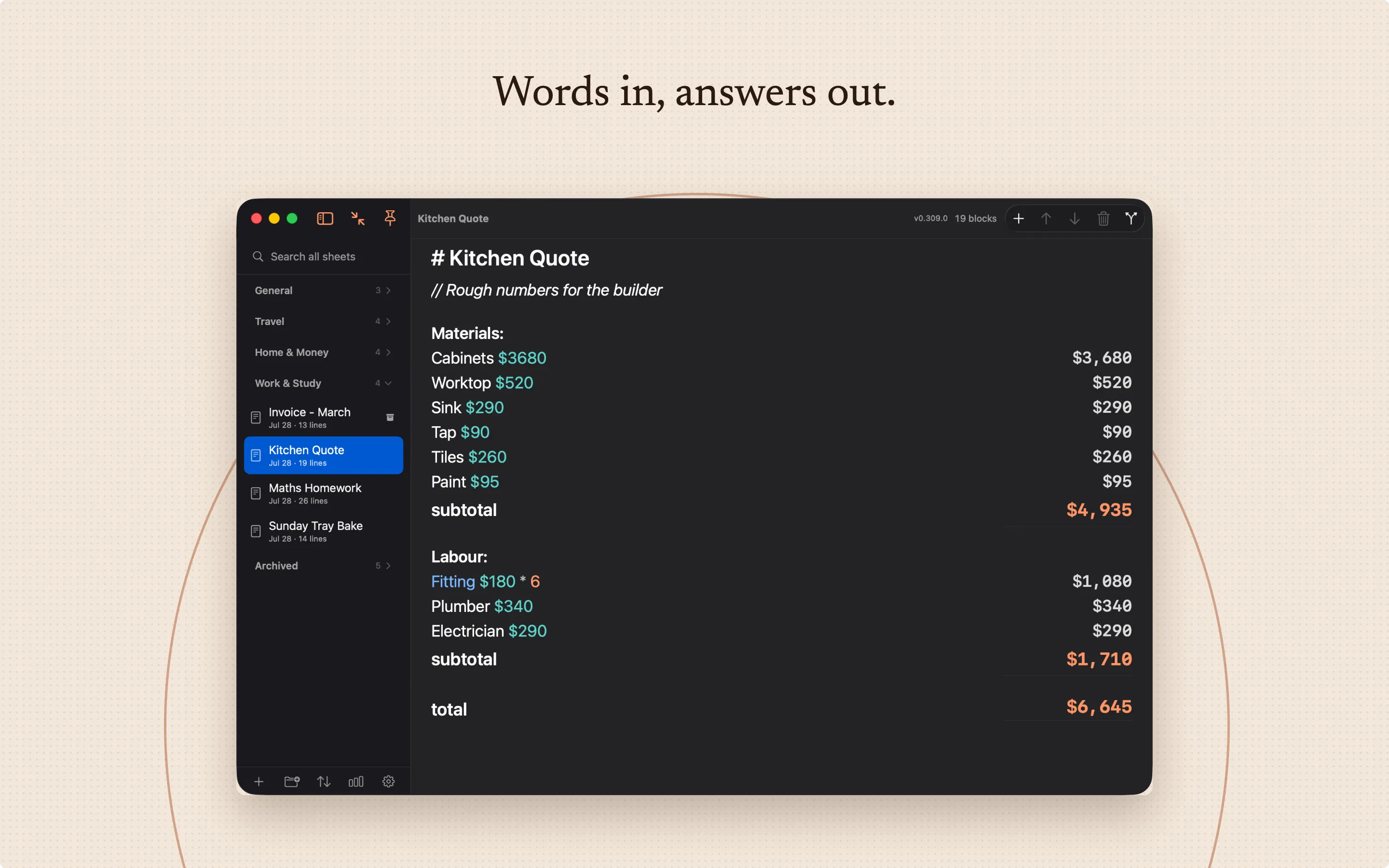
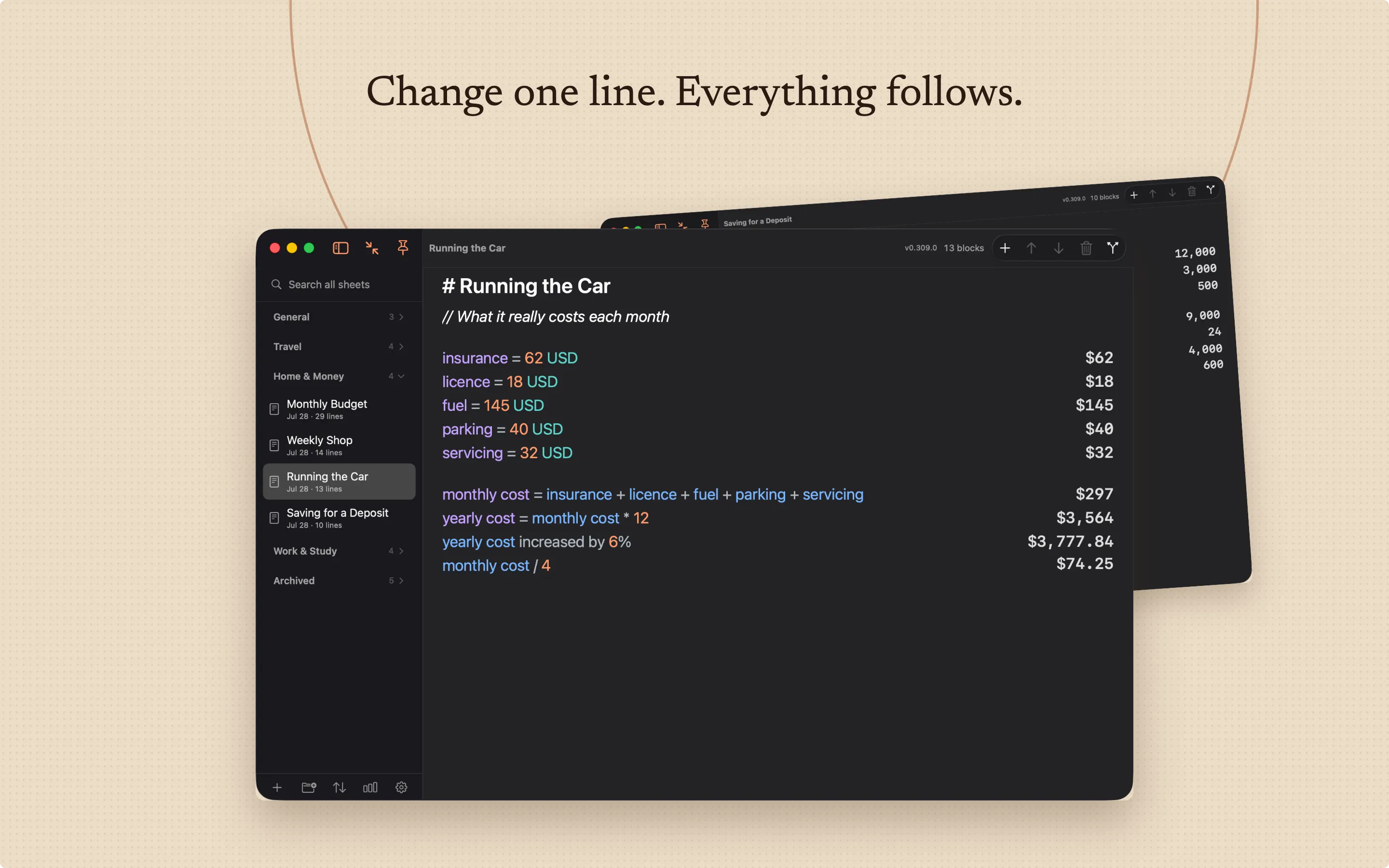
Write “rent 1,450 a month” and the year appears beside it. Write “12% of that” and it knows what “that” was. Magic Notes reads ordinary sentences, keeps the working in front of you, and stops where an honest answer stops.
The engine keeps only values it can represent exactly. Anything approximate is marked with ≈, to the precision you chose, and a written request such as “to 6 decimal places” overrides that on its own line.
Anything impossible is refused on the line, with the reason and a hint you can open. Most calculators round quietly and hand you something that looks exact. You are never left holding a confident wrong number.
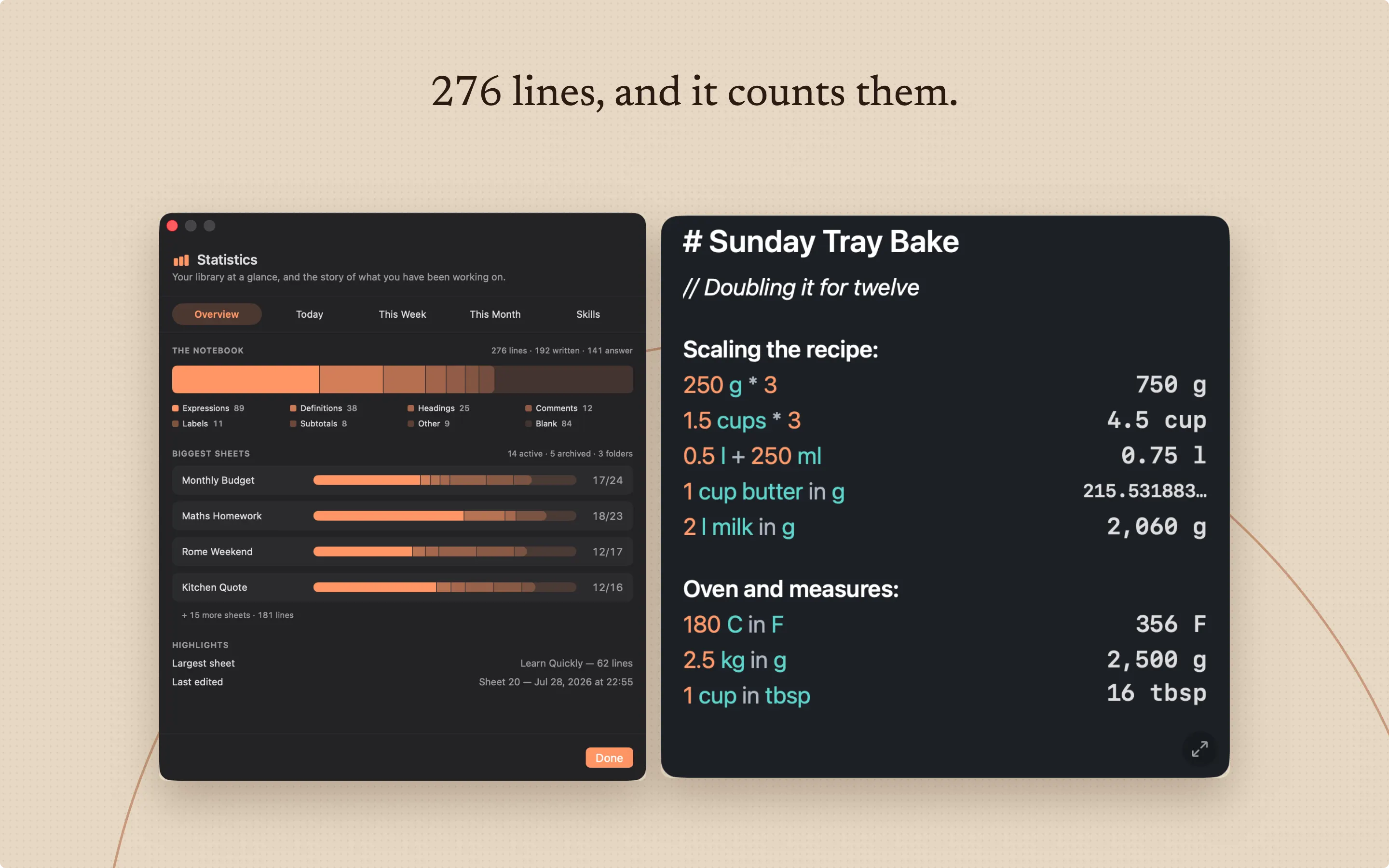
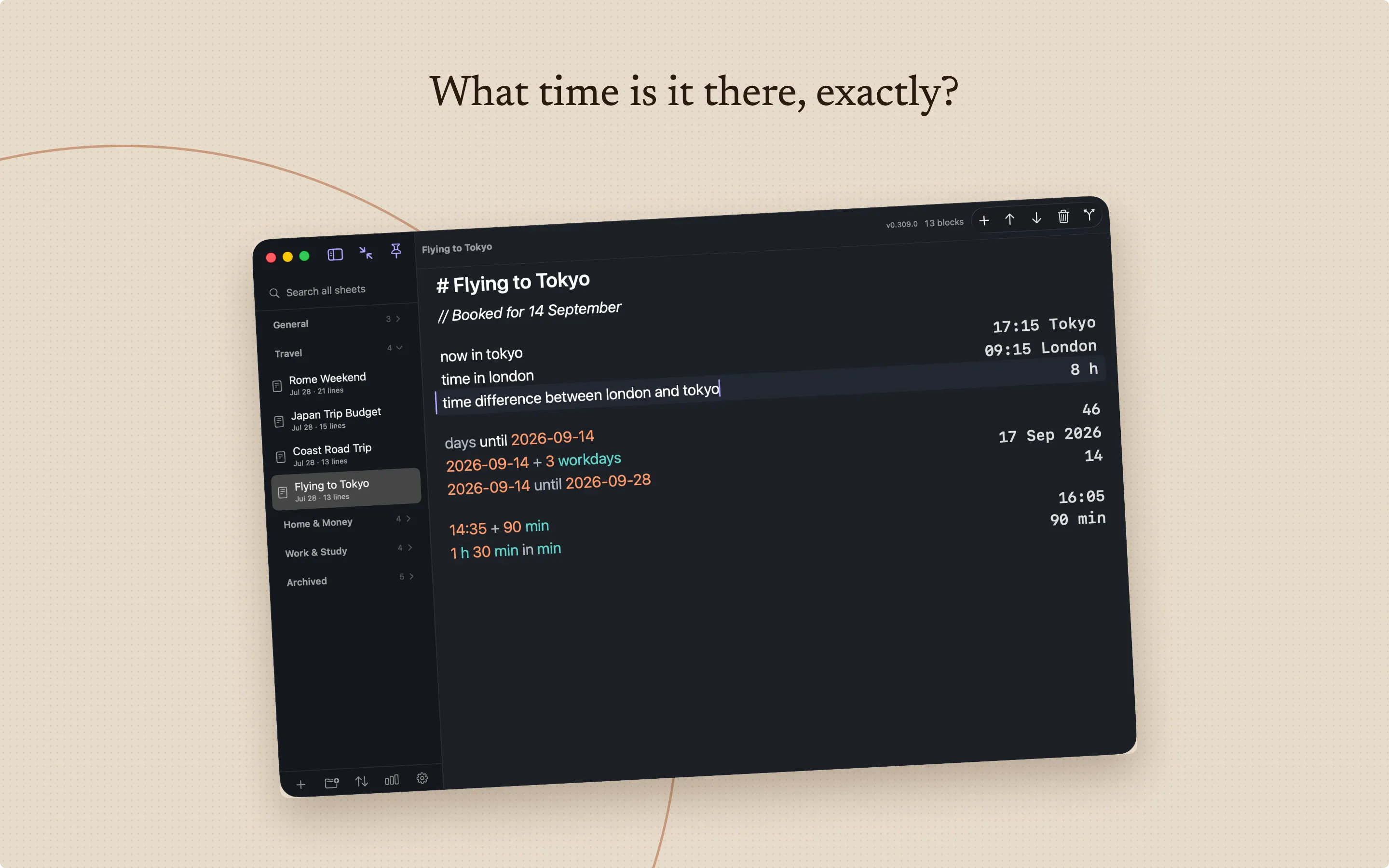
It reads the arithmetic people actually write. Percentages, money, units, cooking measures, dates, times and durations, loans and interest, rates such as an amount per week, powers and roots, rounding, factors and combinations, number bases, and statistics over the lines above.
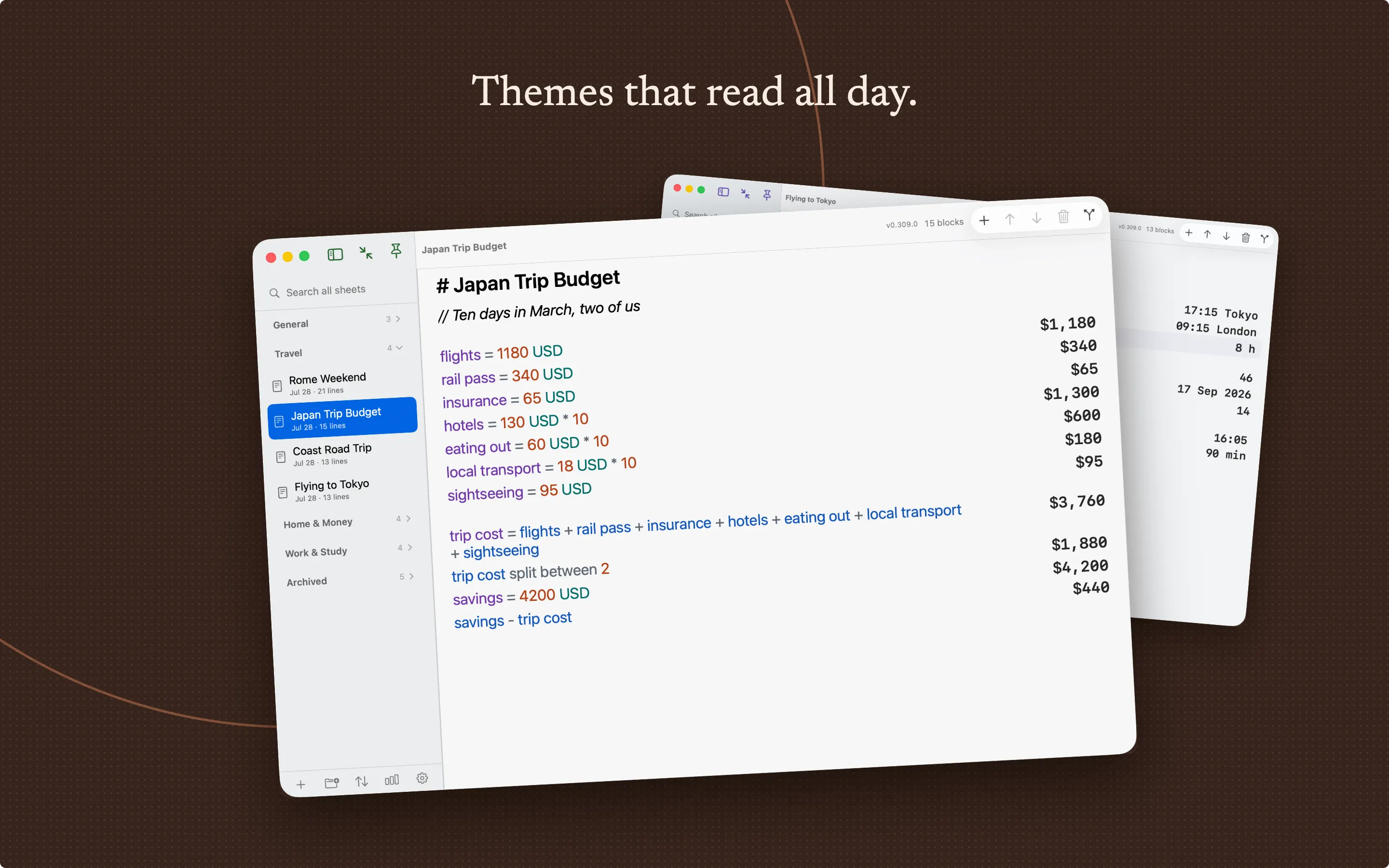
Name a value and use it further down. Total a section. Ask a question of the lines above it. Change one number at the top and watch the whole page follow.
The built-in guide, What Can I Write?, holds 765 worked examples in twenty categories — filter it, then press Insert to drop one straight into your sheet. Every example is run against the real engine by the test suite, so nothing in the guide teaches a form the app does not have.
Exchange rates are yours. You enter them, each with the date it was true, and a conversion names the exact snapshot it used.
Nothing is interpolated or invented — so a figure you show someone else is a figure you can account for.
Keep as many sheets as you like, in folders, pinned and sorted the way you work. Search the whole library. Find and replace with a preview first. Duplicate a sheet as a starting point, and archive what you are finished with.
Undo and redo go back as far as you need, every sheet keeps a revision timeline, and backups restore under a guard that checks before it replaces anything. Take the work with you as plain text, Markdown, print, PDF, or a portable bundle of the whole library.
Spotlight indexing is off until you turn it on, and covers only sheet titles and the text you wrote.
What the app stores, and what it does with it, is set out on the Magic Notes privacy page linked from this one. That page carries a date and is revised with the release that changes it.
Where do my notebooks live? In a folder on your own Mac, backed up locally and restorable under a guard that checks before it replaces anything. Export to plain text, Markdown, print, PDF, or a bundle of the whole library at any time.
What if it cannot answer a line? It refuses that line where you wrote it and tells you why, rather than rounding quietly or returning a number that only looks right.
Which languages does it read? English or Turkish, whichever you pick in Settings. The choice is never guessed from your region, and changing it never rewrites what you have already written.
Free on the Mac App Store. The support address answers if a line does not do what you expected.
FreemacOS 15 or later