
For you if
You want a calm, native Mac timer that lives in your menu bar and opens straight to a usable timer.
A calm focus timer for Mac — a Pomodoro timer and a real count-up stopwatch, in one small window that gets out of your way.
FreemacOS 10.15 or later
Made by Mete Kaplan · direct support, usually replies in 2–3 business days
You want a calm, native Mac timer that lives in your menu bar and opens straight to a usable timer.
You need a website blocker, team tracking, or cross-device sync — Sole Focus deliberately does none of those.
Sole Focus is a calm, distraction-free focus timer for your Mac. It pairs a classic Pomodoro timer with a free count-up stopwatch, so whether you work in fixed sessions or open-ended sprints, the right timer is always ready.
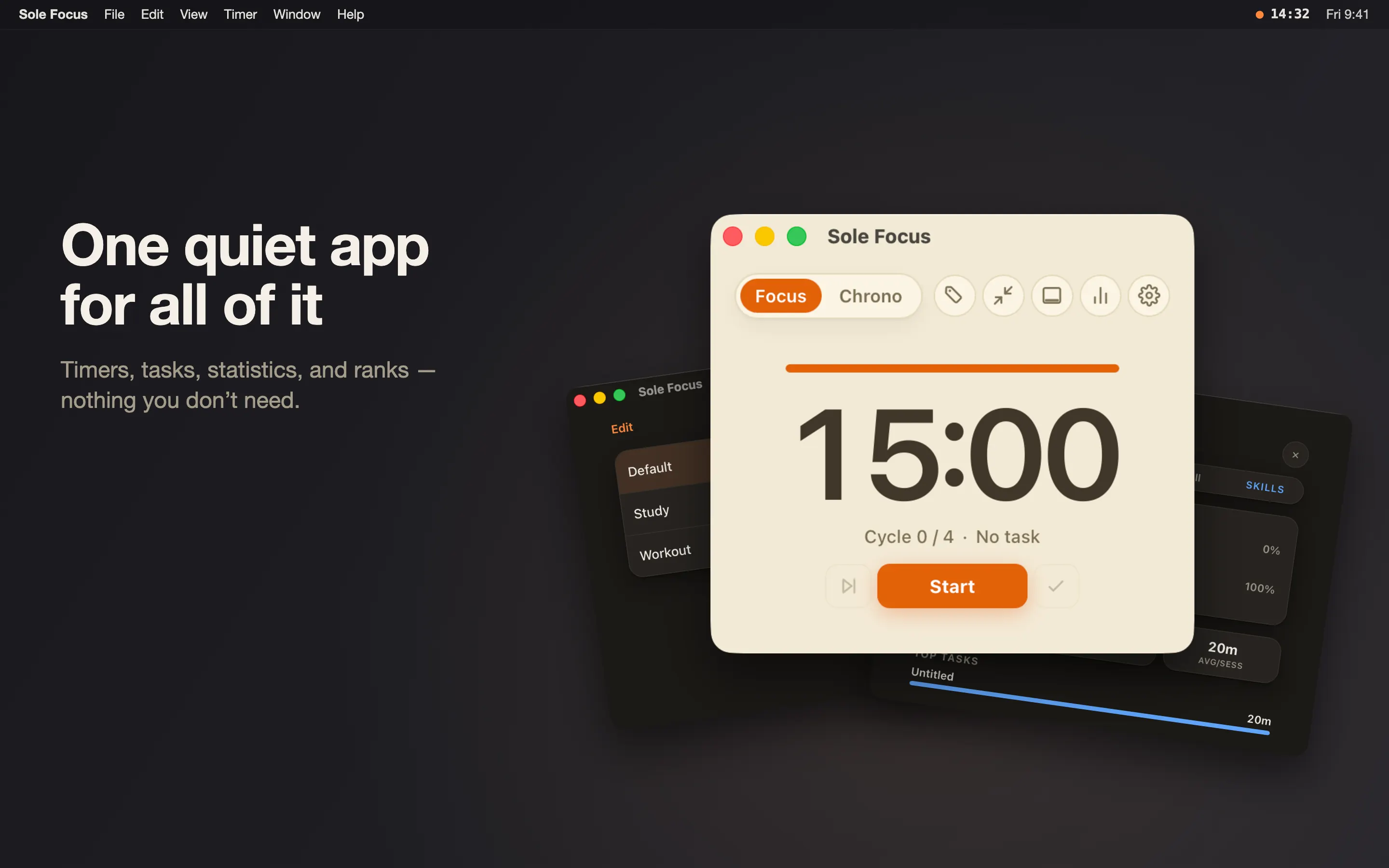
No setup screen to get through. Sole Focus lives in your menu bar and opens straight to a usable timer — then gets out of your way.
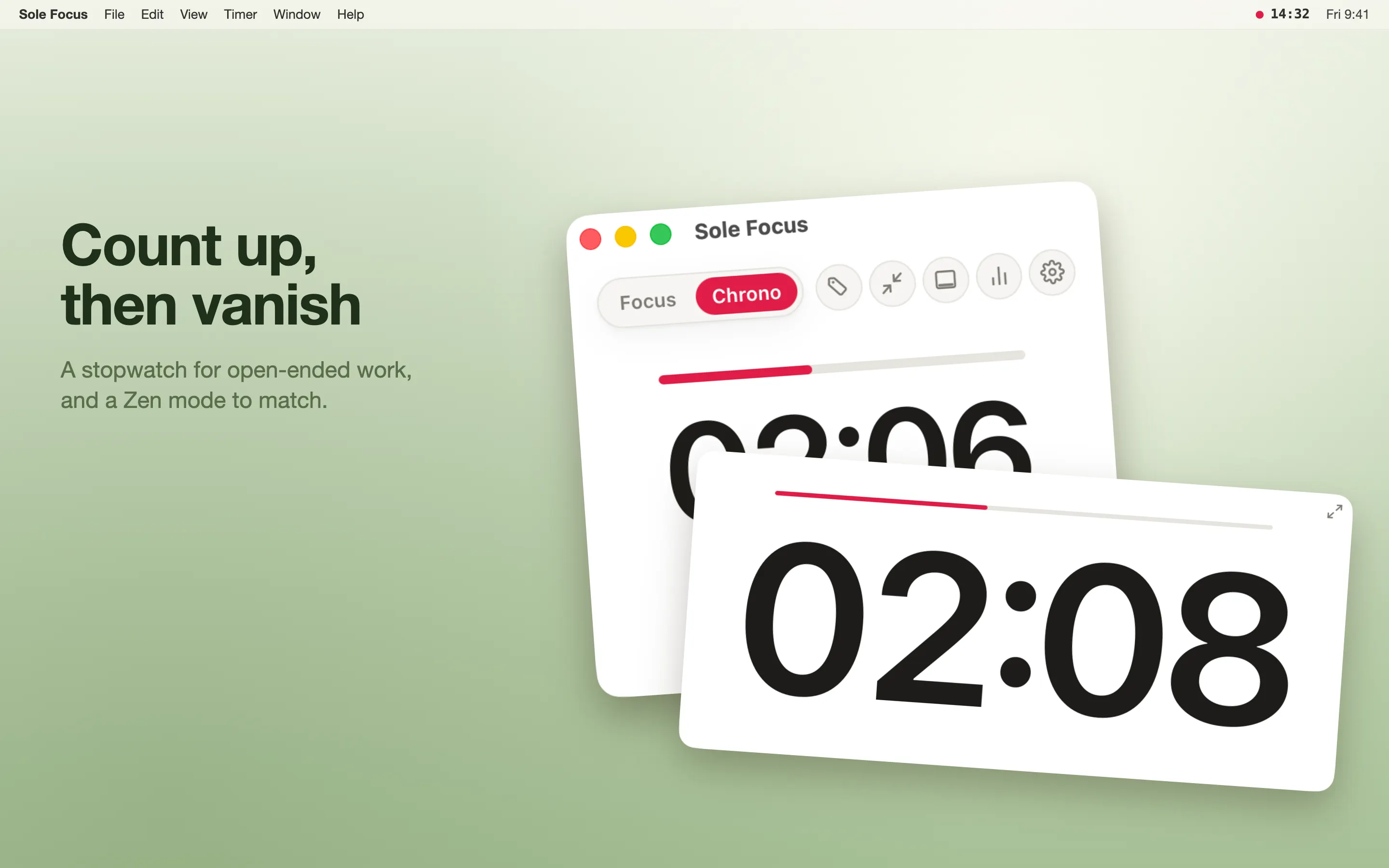
Run structured Pomodoro sessions with adjustable lengths, or switch to Chrono, a count-up stopwatch for work with no fixed end.
Focus, short-break and long-break lengths are all adjustable, and you choose how many sessions lead to a long break — or drop to a plain countdown. Chrono adds milestone markers as it climbs. Save the timers you reach for as named Tasks and start them in a single click.
A glanceable menu-bar timer keeps pause, skip and finish a click away, wherever you happen to be working.
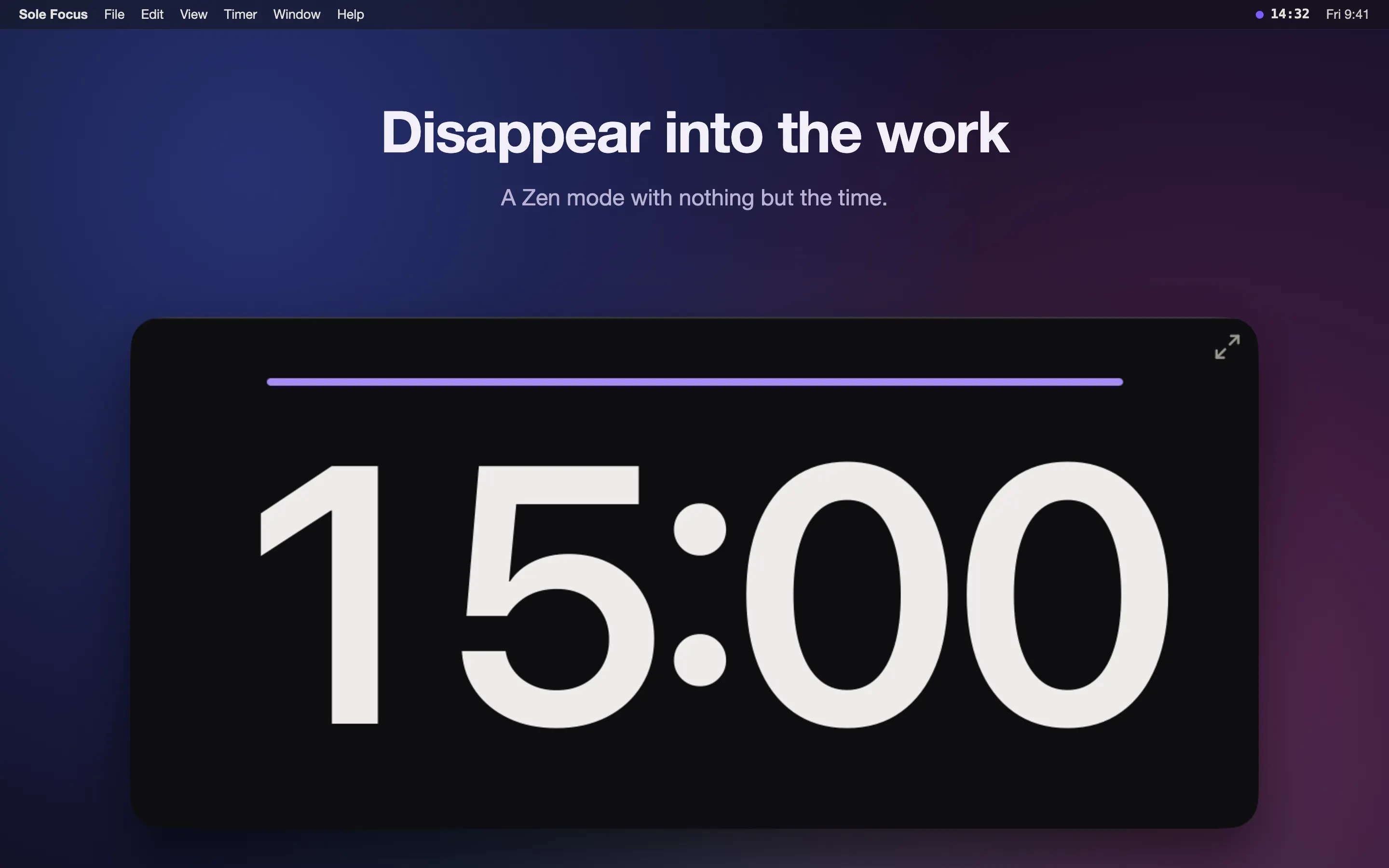
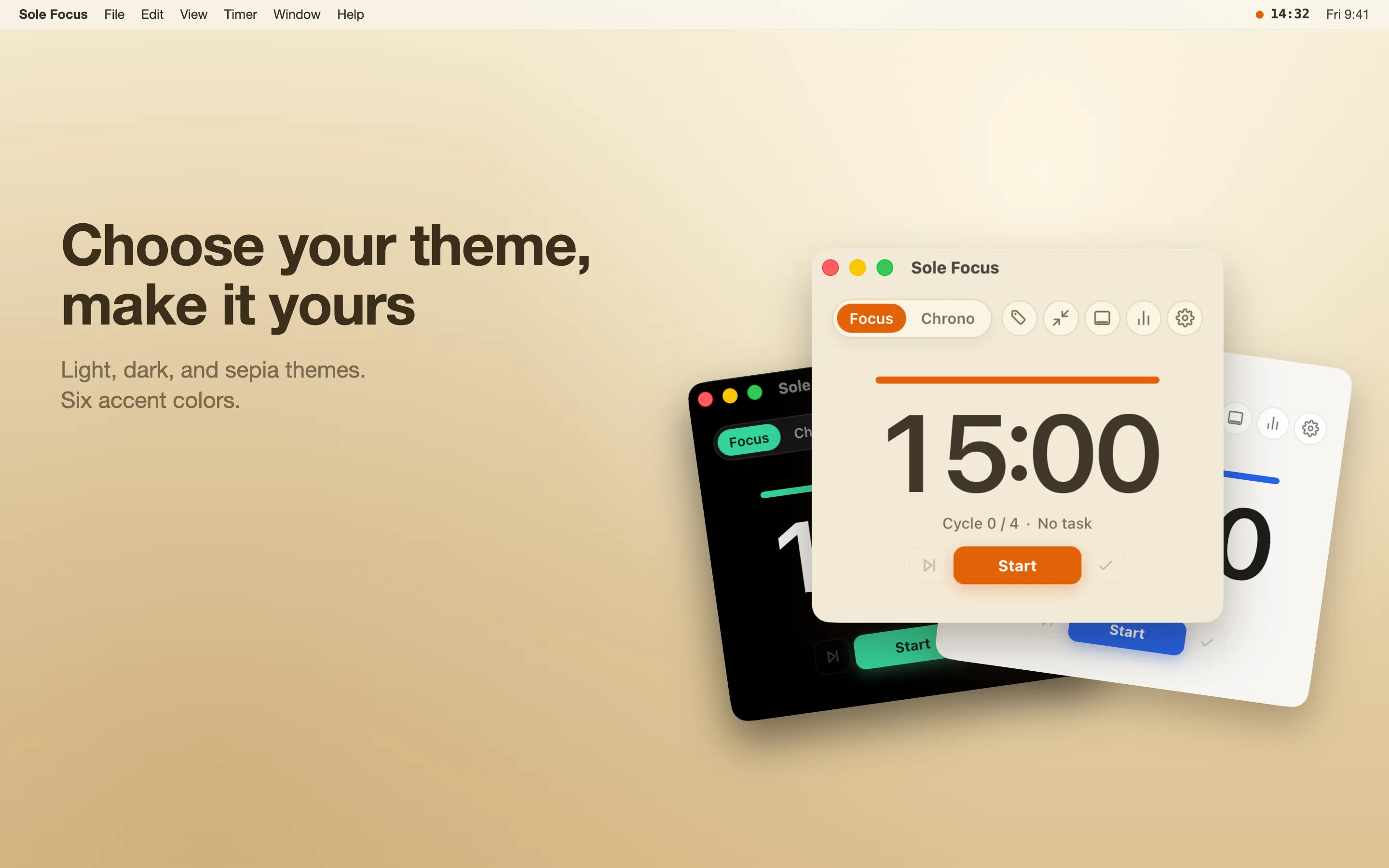
Zen mode shrinks everything to a small, always-on-top window sized to sit beside your work, and Study mode leaves a slim strip with a single focus quote. Five soothing completion sounds, light and dark themes, accent colors, and adjustable sizing let you make it yours.
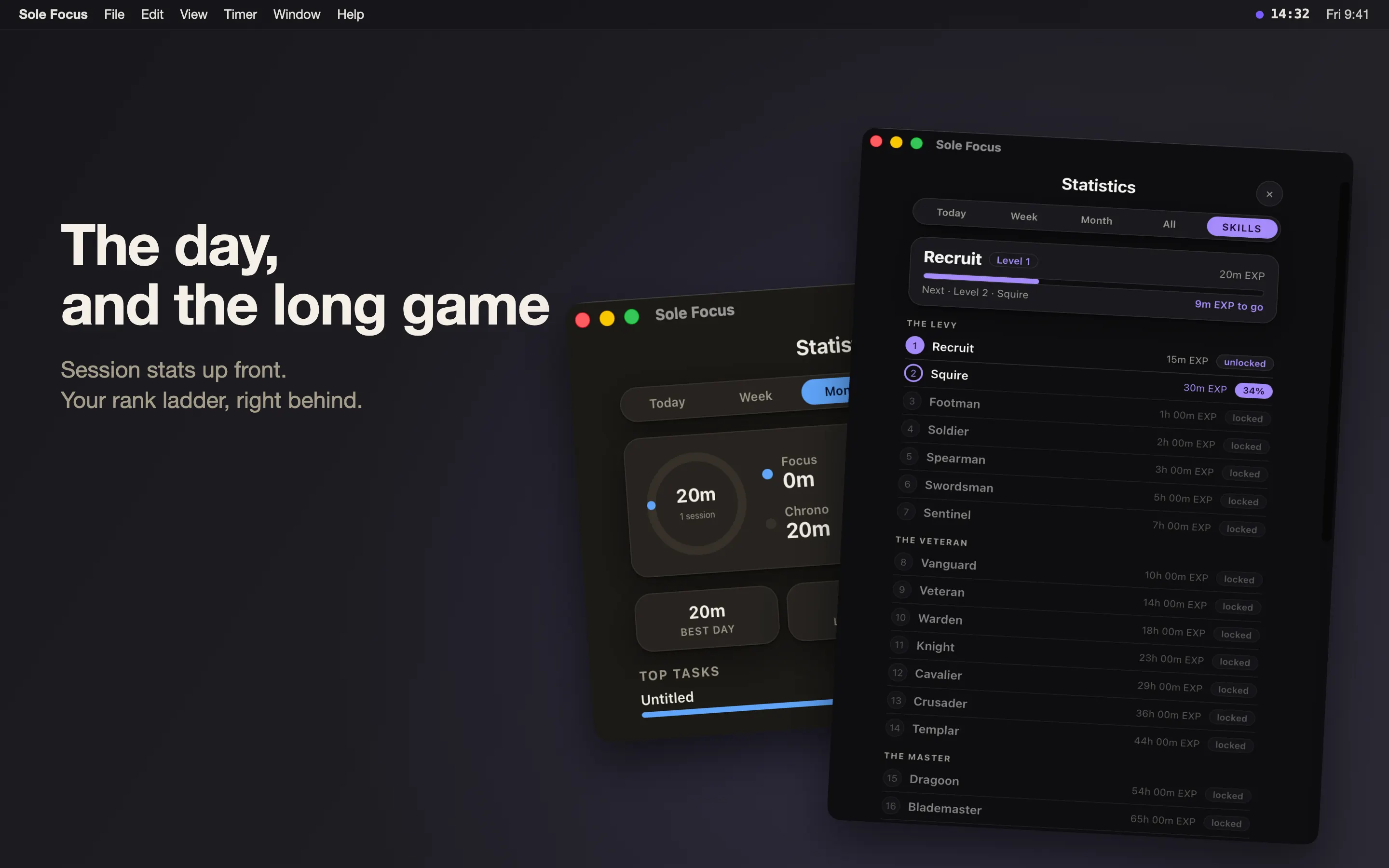
Statistics track your focus time as it adds up, and a light leveling system turns focused minutes into visible progress.
It is a gentle nudge to keep going, never a chore, and never a streak that punishes you for resting.
Your settings, sessions and presets are yours, and every one of them can be erased at any time from Settings ▸ General ▸ Danger zone.
What the app stores, and what it does with it, is set out on the Sole Focus privacy page linked from this one. That page carries a date and is revised with the release that changes it.
Is it free? Yes. Sole Focus is free on the Mac App Store.
Does it block apps or websites? No. Sole Focus is a calm timer, not a blocker; it keeps you focused with gentle cues, not lockouts.
Free on the Mac App Store. The support address answers if something does not do what you expected.
FreemacOS 10.15 or later